



Reach your destination safely and efficiently
With the ZOLLER »redomatic«, shrink tools are ready for use in no time. The »pilot 4.0« image processing software, the loading unit, and continuous monitoring of the process steps facilitate fast and reliable operation.
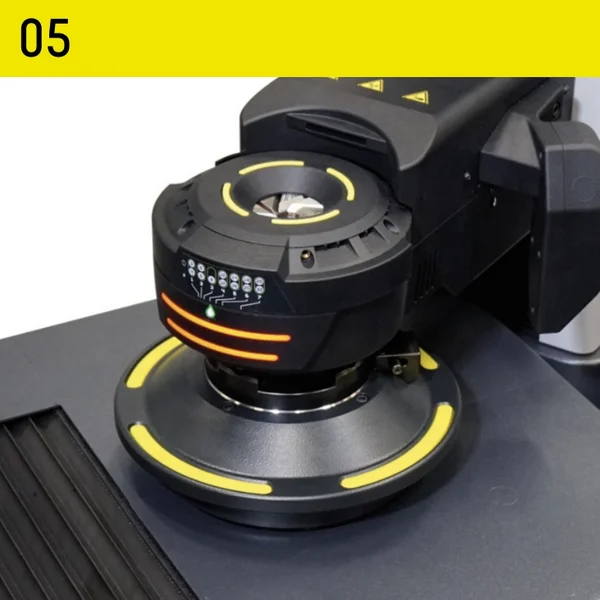
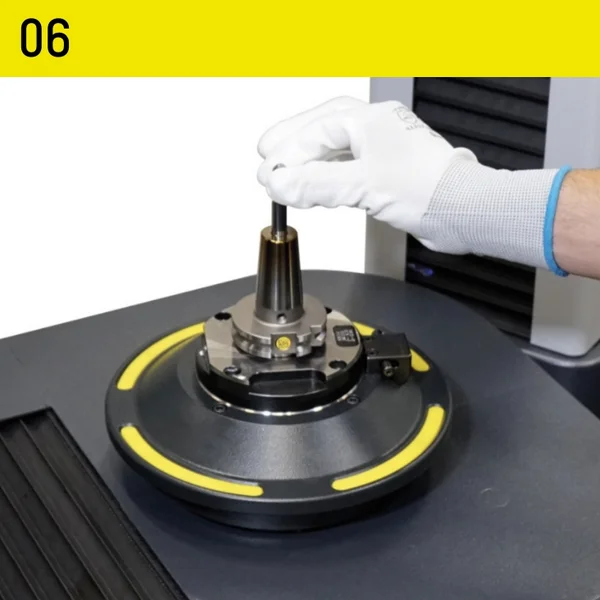
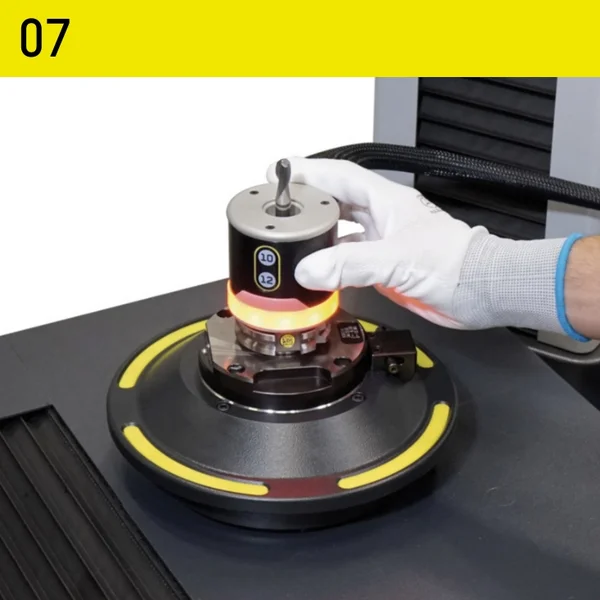
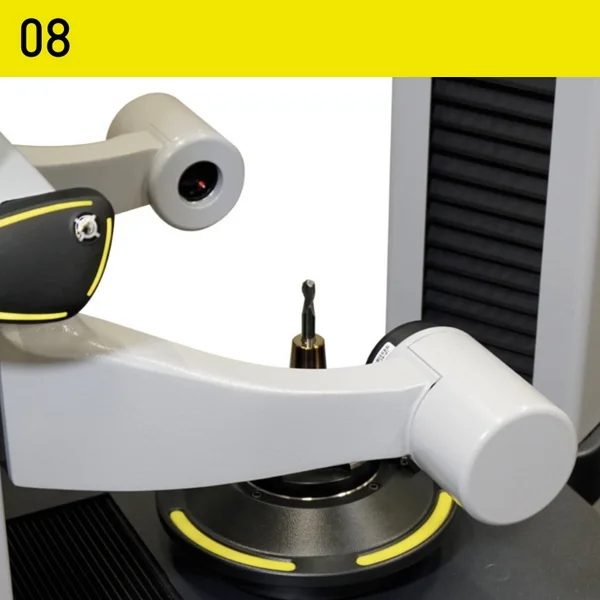
The »redomatic«’s technology ensures the shortest possible process times. Even inexperienced operators can achieve this after just a short training period. All components have their designated place on the supply unit. The »pilot 4.0« image processing software guides the operator through all work steps and controls many processes fully automatically. For each step, the software specifies the component required and displays on the screen where the component is located on the side unit. »redomatic« is the solution for setting up, measuring, and shrink-fitting tools to exact lengths.
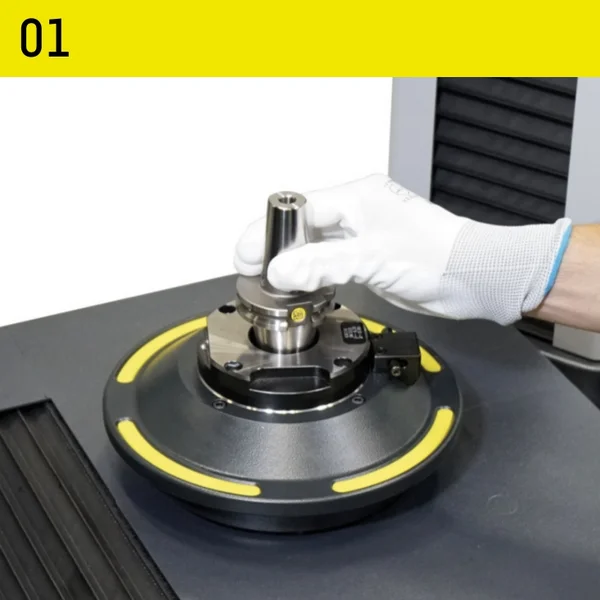
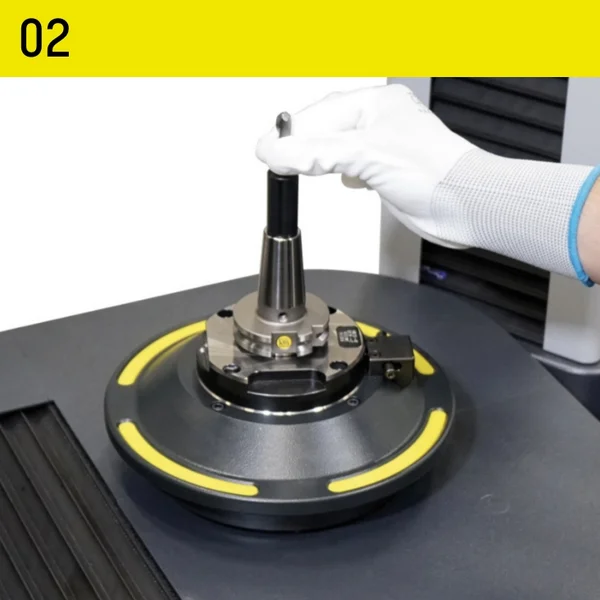
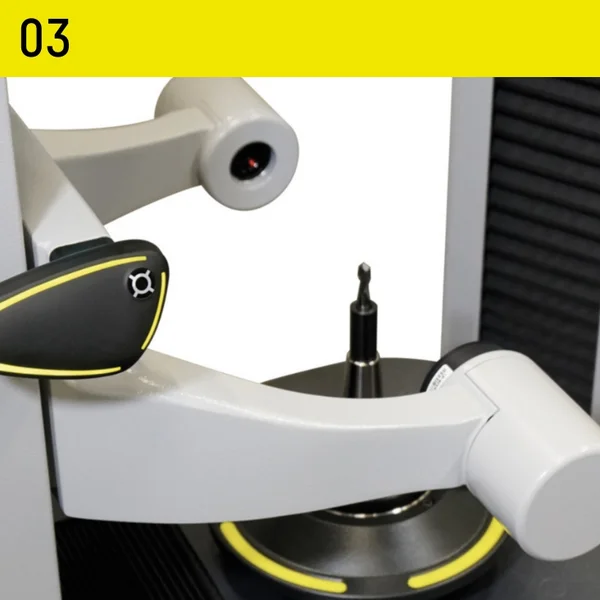
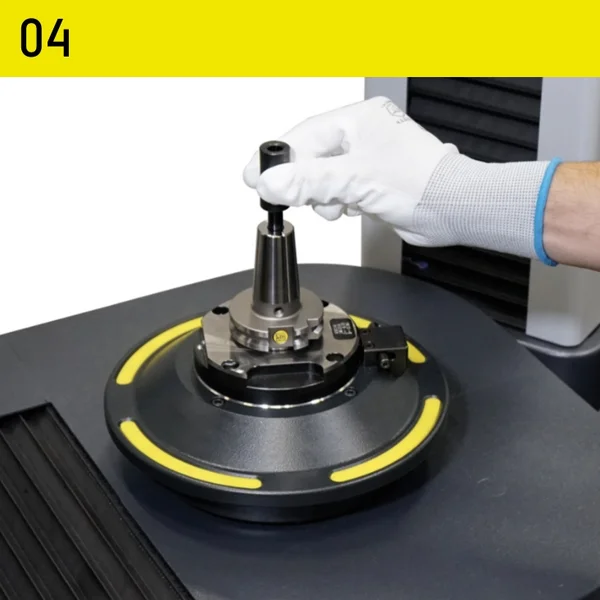
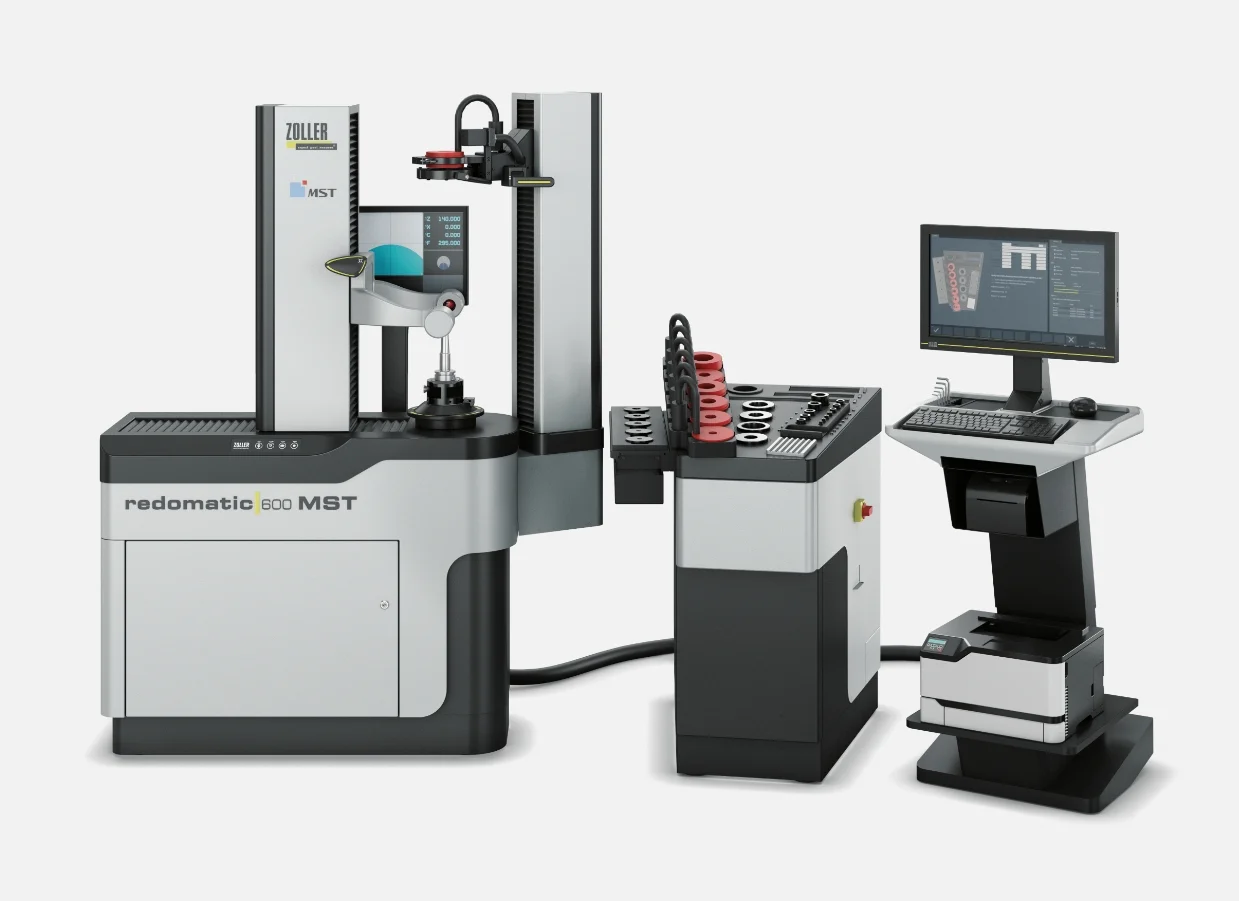
»redomatic 600« MST
Automatically shrink-fit tools with 10-micron precision
With a »redomatic 600« MST from ZOLLER, you can fully leverage the benefits of your MST tool holders and thereby boost production efficiency.
With »the redomatic 600« MST, you can be sure that tool lengths are always set correctly. The shrink-fitting process developed by ZOLLER using the »masterPiece« adjustment adapter is both fast and simple. The perfect interaction between mechanics, pneumatics, electronics, and software, along with continuous parameter monitoring and automatic measurement sequences, guarantees you the highest level of process reliability.
»pilot 4.0« is the comprehensive software solution for all ZOLLER setting and measuring devices. The intuitive graphical user interface guides users quickly and reliably to precise measurement results. This makes »pilot 4.0« so easy to use that even complex measurement tasks can be completed successfully right away. At the same time, the software offers such a wide range of functions that there is a solution for every requirement. It is no coincidence that »pilot 4.0« is regarded as the global benchmark for tool setting, measurement, and inspection.
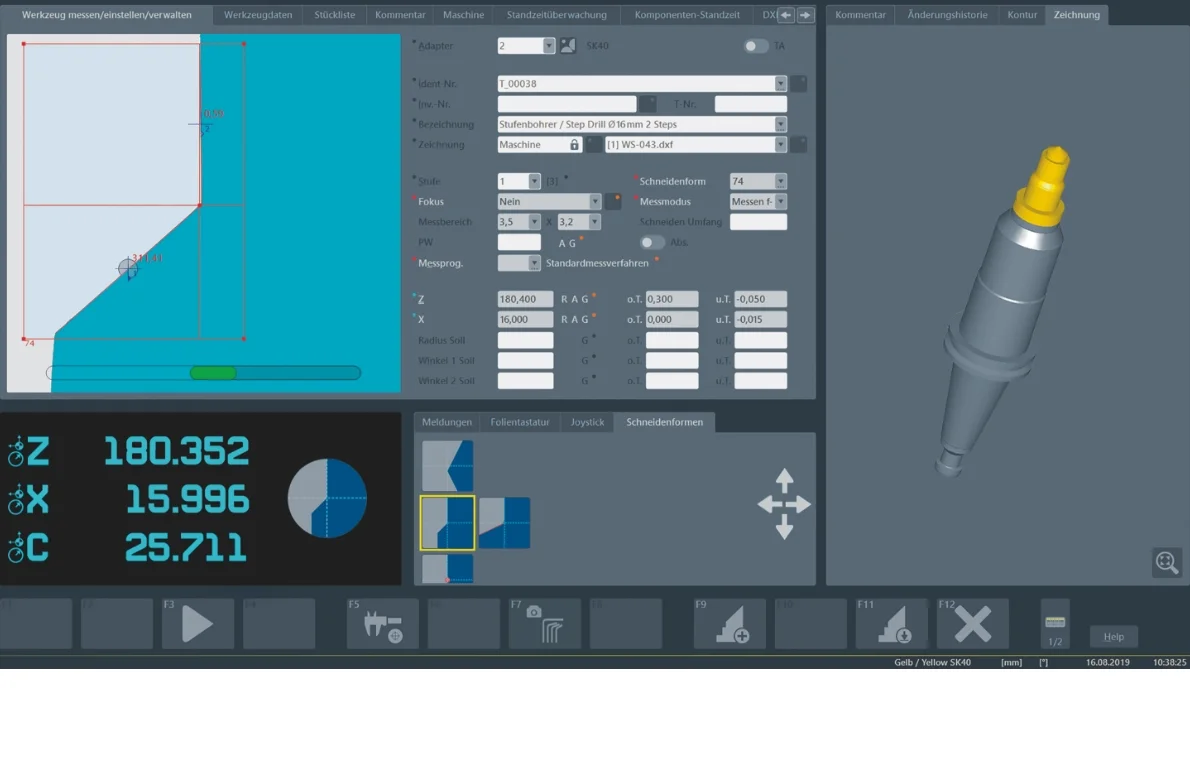
 Tool-specific information
Tool-specific information
Adapter ManagementAdapter Management
- Tool designation for unique identification
- Setpoints with tolerance specifications
Cutting diesCutting dies
Automatically detected cutting shapes
Function buttonsFunction buttons
With self-explanatory icons
Live camera view of the cutting edgeLive camera view of the cutting edge
- Dynamic crosshairs
- Angle display with selectable reference axis
Current location informationCurrent location information
- Current position data for the axes
- Currently active cutting edge configuration
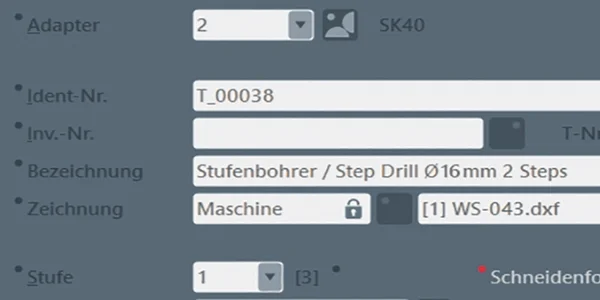
- Tool designation for unique identification
- Setpoints with tolerance specifications
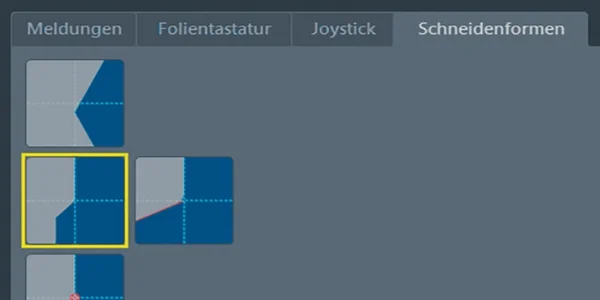
Automatically detected cutting shapes
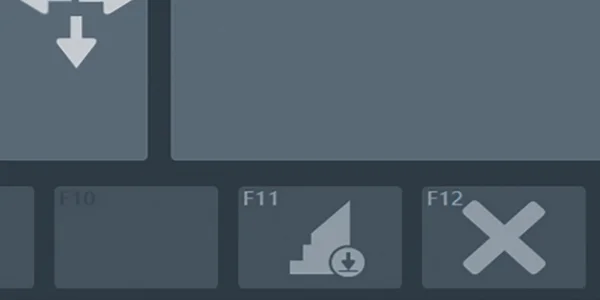
With self-explanatory icons
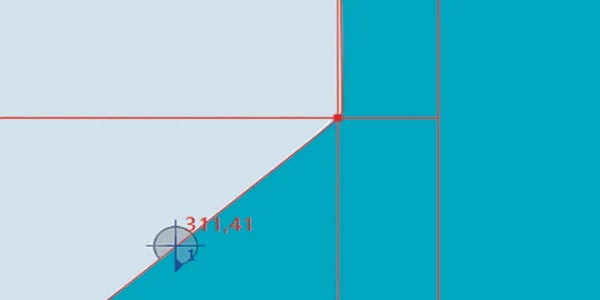
- Dynamic crosshairs
- Angle display with selectable reference axis
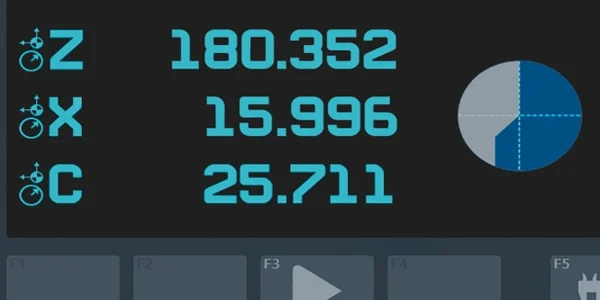
- Current position data for the axes
- Currently active cutting edge configuration