



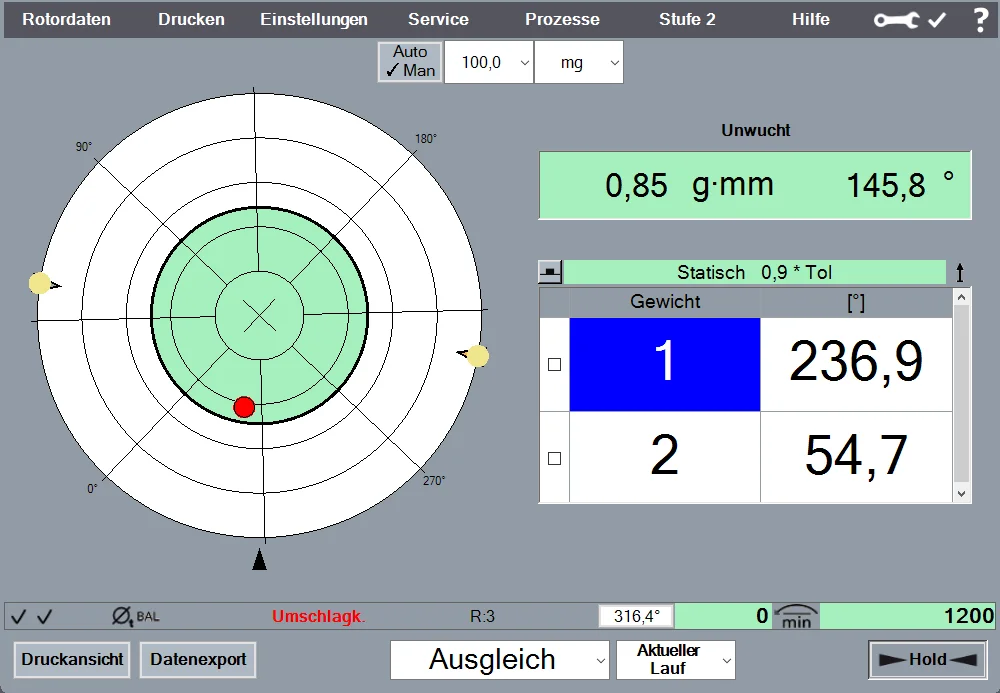
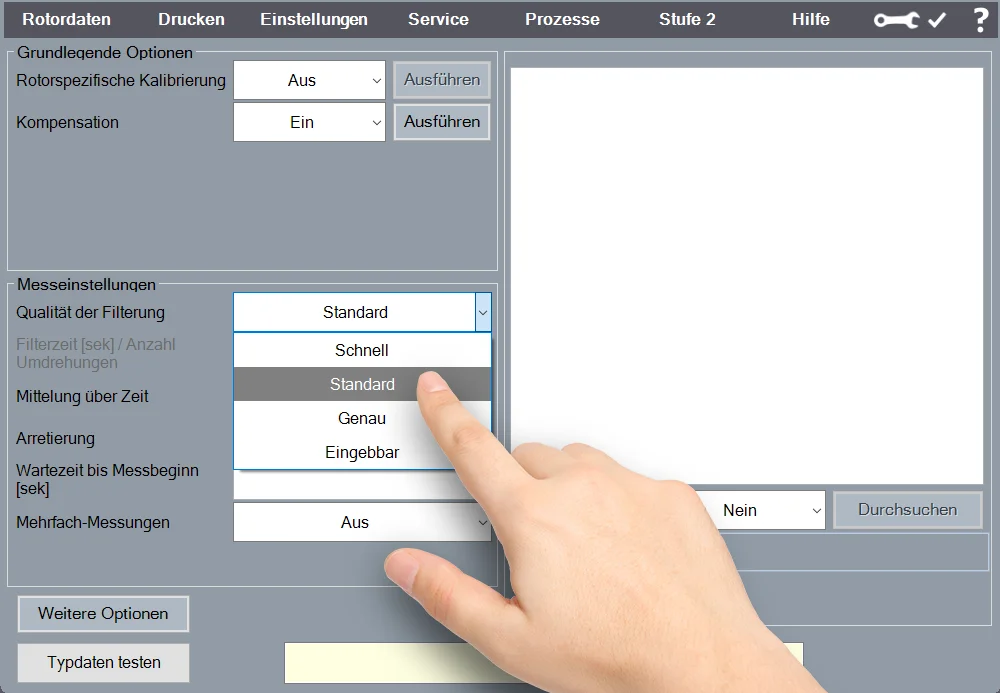
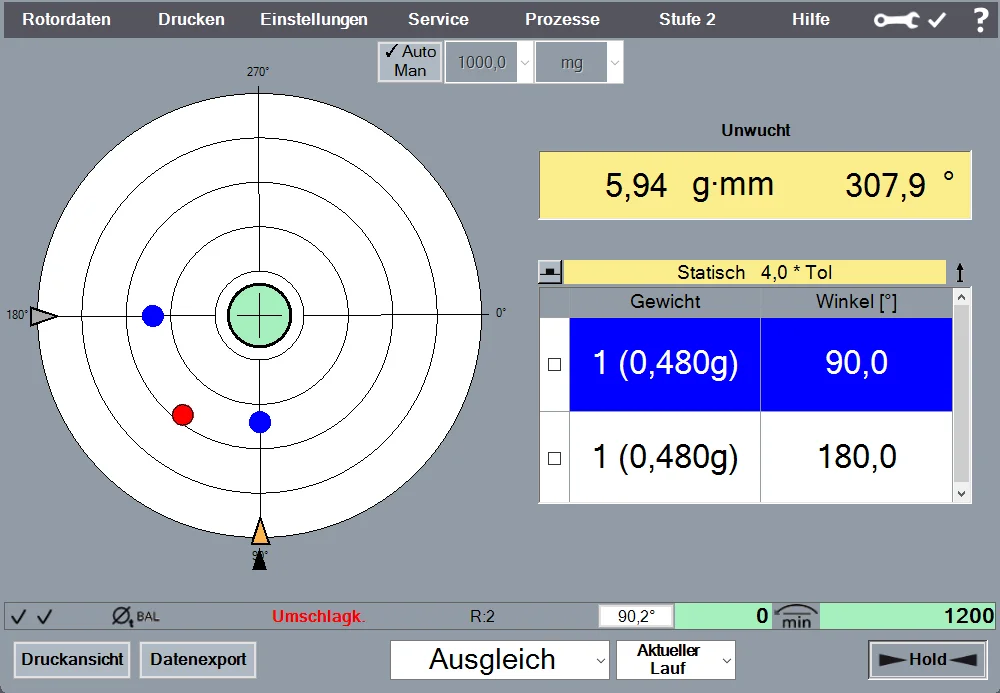
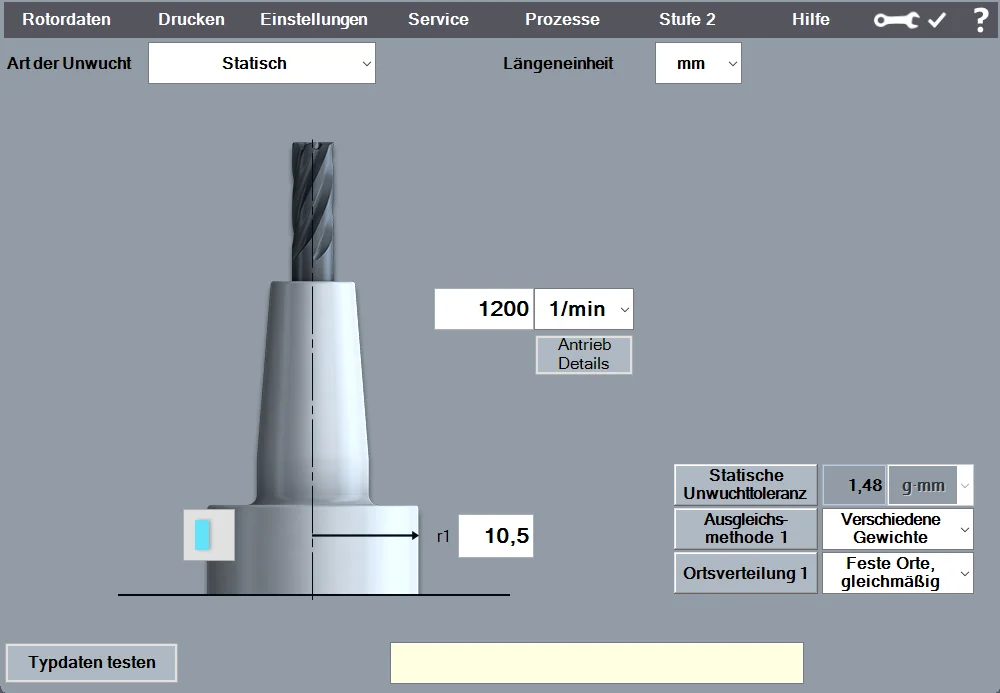
Balancing correction “Various weights”:
Correcting imbalance by adding or removing weights (e.g., balancing screws). Includes the option to specify existing weight sets.
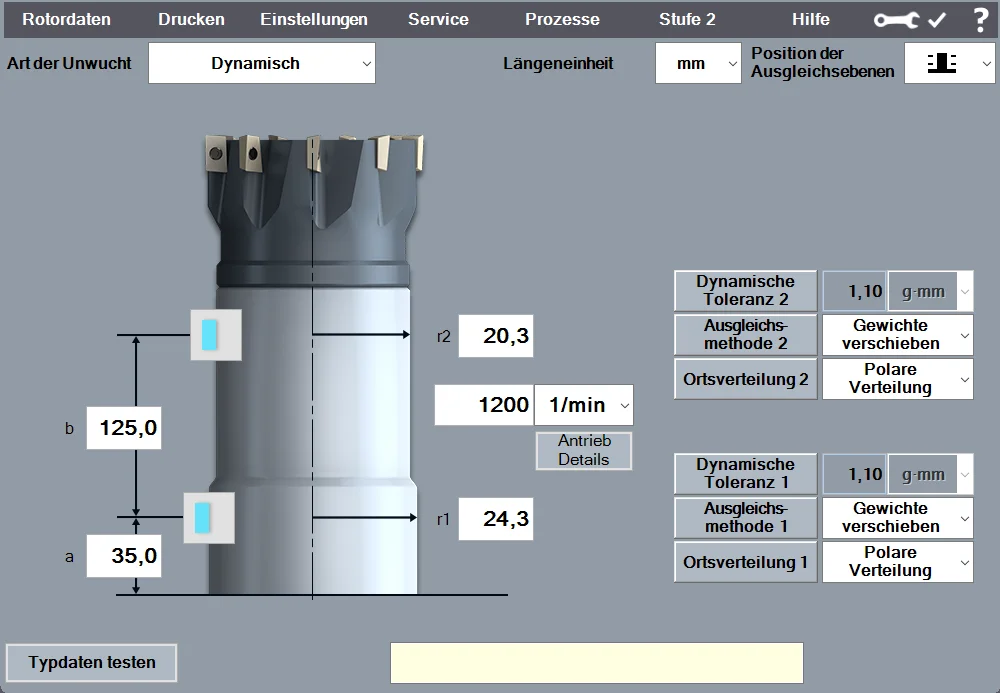
Balancing correction "Move weights":
Compensating for imbalance by rotating balancing rings or slotted nuts.
Balancing correction “Radial drilling”:
Compensating for imbalance through radial drilling. Automatic calculation of the number, angular position, and depth of the holes.
Balancing correction "Milling":
Compensating for imbalance through radial, tangential, or axial milling.
Balancing correction “Axial drilling”:
Compensating for imbalance by axial drilling. Automatic calculation of the number, angular position, and depth of the holes.
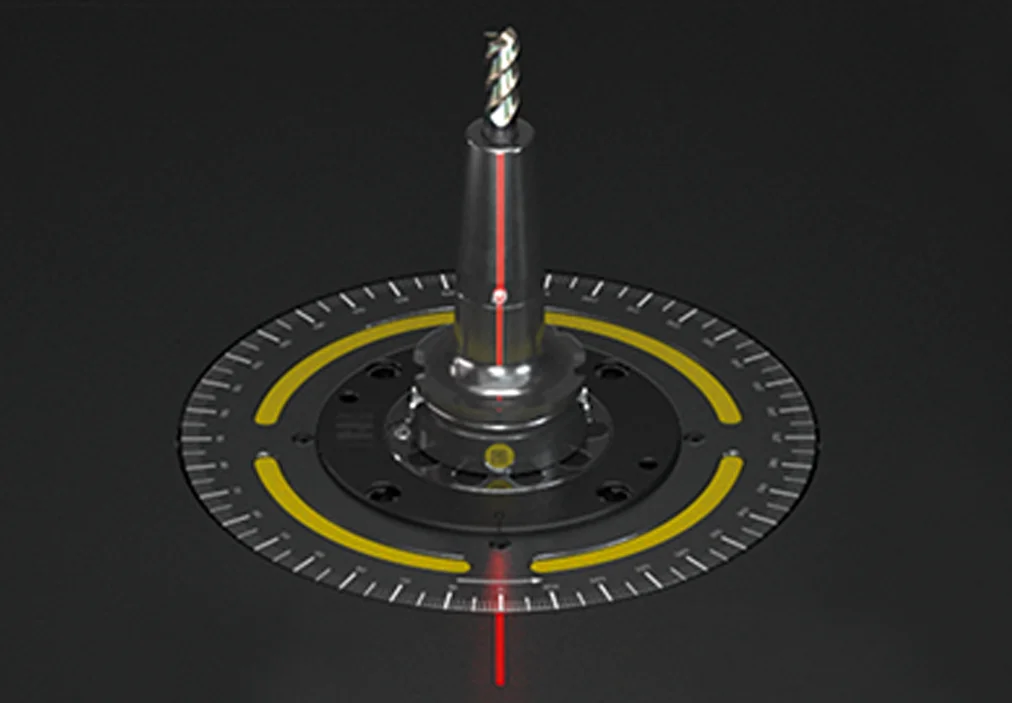
Label Printing
: Output of measurement results on one or two lines using a ZOLLER label printer.
Report printing
Output of the measurement report as a printout on a laser printer or as a PDF file, including an editing function.
Measurement data export:
Automatic export of measurement data in CSV format.