
BRONZE: Enhanced efficiency with CAM interfaces

The BRONZE package’s feature set enhances tool management with interfaces to CAD/CAM systems. In addition to efficiently managing individual components, complete tools, setup sheets, and accessories, you can utilize CAD and CAM data throughout the workflow. Use tool data to optimize the CAM-to-part process chain. 

  • One-time data entry in the central tool database z.One
  • Setup sheets and setup plans with unique tool definitions and part graphics
  • Time savings in CAM and setup processes through clear component and tool definitions
  • Automatically generate envelope contours


BRONZE Package Software Modules

Individual Component Management

The software module for the detailed configuration of individual components creates a future-proof IoT foundation for tool management.

Detailed data creation:

  • DIN 4000/4003/ISO 13399 Parameterization
  • Technology data (cross-sectional values)
  • Graphical component representation
  • 2D and 3D generation in accordance with DIN 4000 and ISO 13399
  • Import of 2D formats DXF/DWG/BMP/TIF/JPG/GIF/PNG
  • Import of 3D formats STEP/STL
  • Detailed data (e.g., cutting material)

Component Management

Module for configuring your individual components

Management of Complete Tools

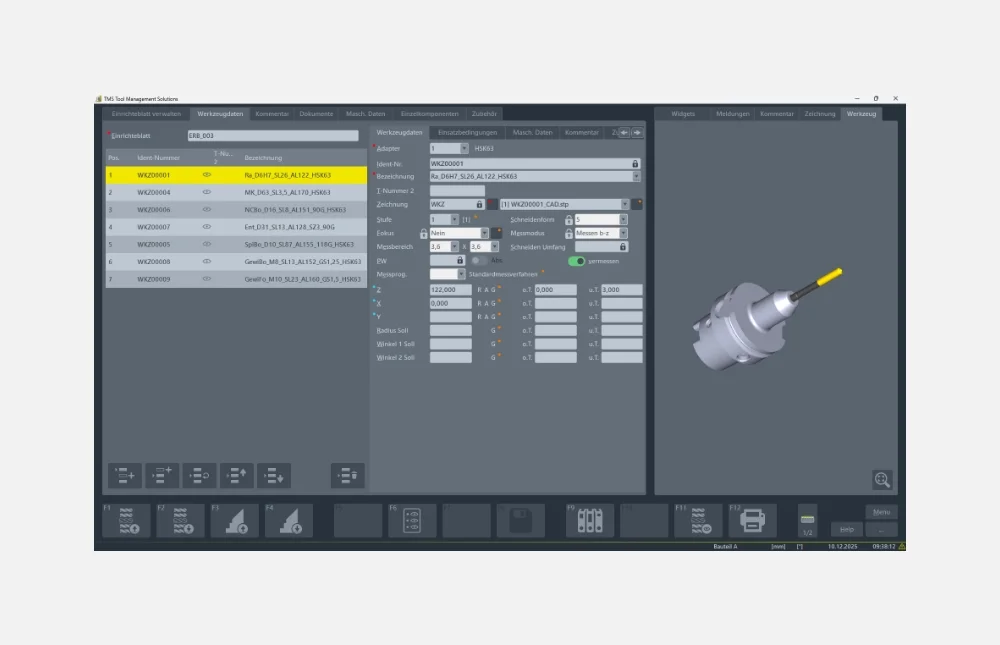
Based on the individual components, the “Tool Data Management” function provides graphical and parametric tool assembly in accordance with the actual tools available. In addition, correct tool assembly is ensured in accordance with the bill of materials/component definition.

This module offers a wide range of options:

  • Management of accessories and bills of materials
  • Creation of bills of materials for individual components
    and complete tools
  • Supported 2D formats: DXF/DWG/BMP/TIF/JPG/GIF/PNG
  • Supported 3D formats: STEP/STL
  • Automatic generation of drawings from individual components
    in the bill of materials (DXF with connection points)

Management of complete tool sets

The tool data management function ensures the smooth provision of all tools required in the manufacturing process.

Management of Setup Sheets

Setup sheets provide the user with a list of information and resources required for a job. These can be forwarded directly to the warehouse, the CAD/CAM station, or the machine for use.

Management of configuration sheets

Easily manage and forward setup sheets

Data Import/Export

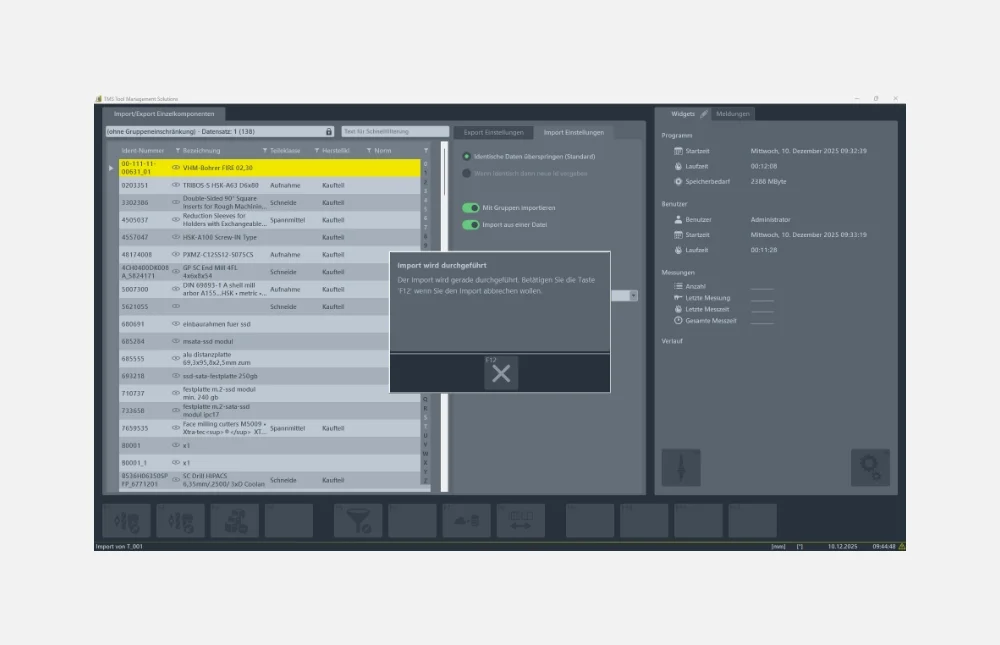
Import and export of tools, individual components, setup sheets, accessories, machine data, and more between individual ZOLLER products. With the help of import filters, data can be imported or exported via post-processors, regardless of the platform.

Your benefits:

  • Optional integration with third-party systems
  • Process reliability
  • Simple and fast handling thanks to straightforward structures

Data Import/Export

Platform-independent import and export of your data in XML format to and from the ZOLLER tool database z.One

Importing Tool Data from Catalogs

Imports tool data from many well-known manufacturers and cloud-based service providers (e.g., CIMSOURCE and GTDE), enabling the rapid provision of 2D/3D graphics, material properties, and process data. The tool data can be completed at any time and made immediately available via export. Using the web service, third-party applications can access the shared database and, for example, import newly compiled setup sheets.

Importing tool data from a catalog

Imports tool data from many well-known manufacturers (e.g., CIMSOURCE and GTDE) and can thus quickly provide 2D/3D graphics, material properties, and process data

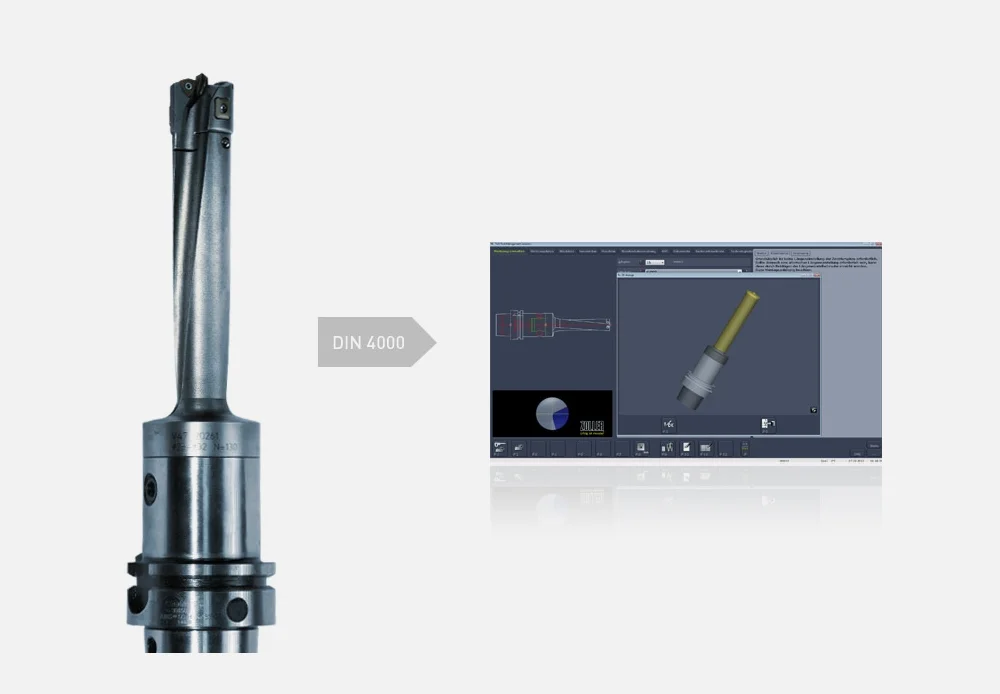
Attribute Bar According to DIN 4000

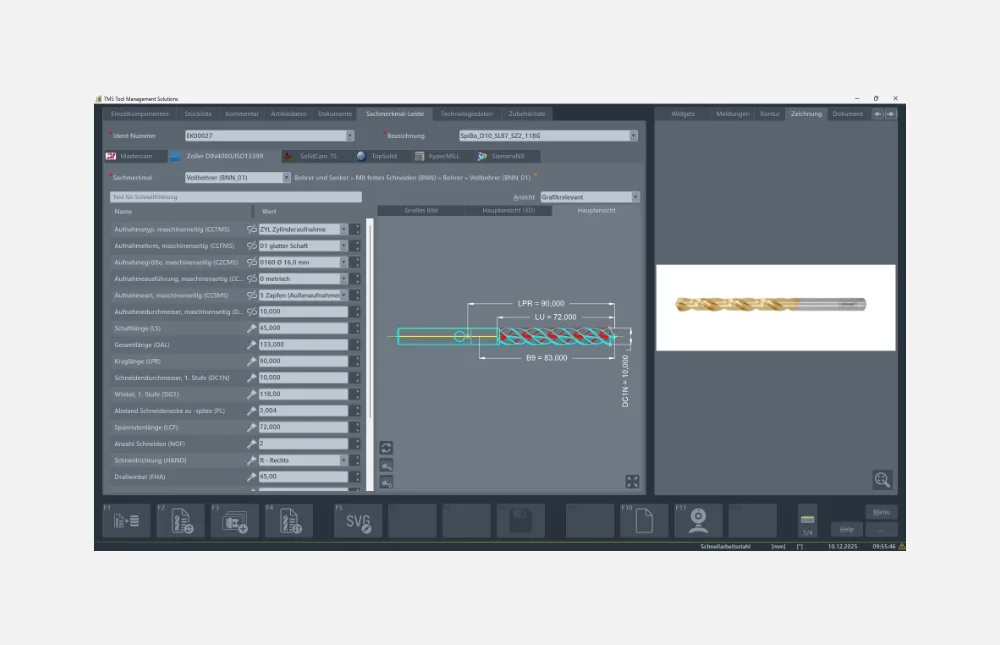
Using the complete DIN 4000 attribute bar structure, you can define your individual components in accordance with the standard. This ensures seamless information exchange with third-party systems such as CAD/CAM and NC simulation systems. This uniform, standardized database serves as the foundation for automatic tool data import.

Your benefits:

  • Time savings through automatic tool data import
  • Process reliability through error prevention

Property bar according to DIN 4000

Standard-compliant definition of your individual components

Technology Data and Product Attributes

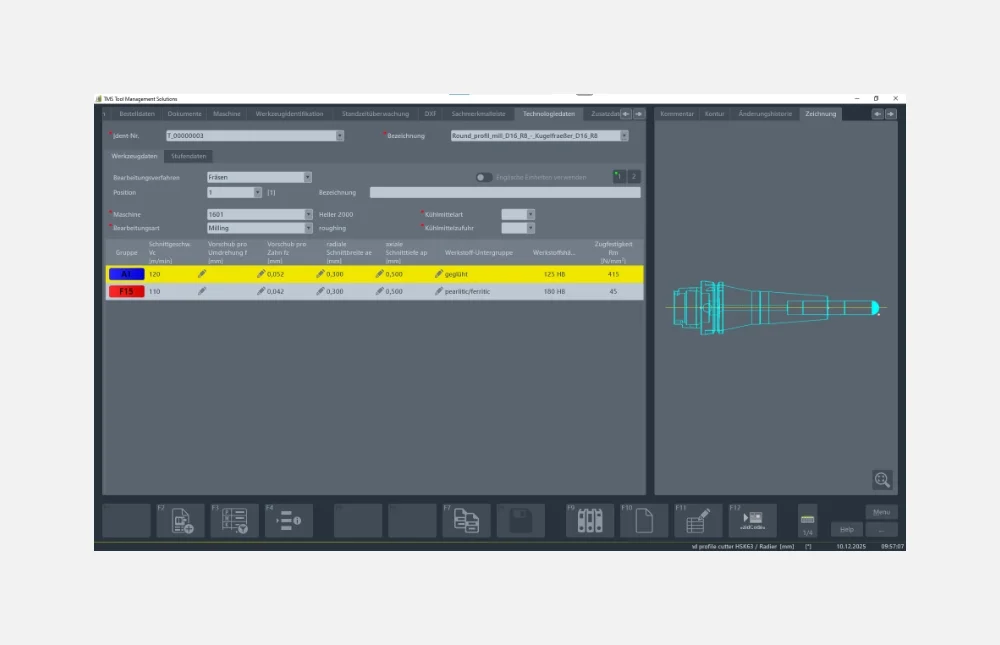
The Technology Data and Material Properties module is designed for the centralized and intelligent management of individual components and complete tools.
It allows you to catalog your tools effectively, optimize their use, and store cutting parameters. Maintaining a single database saves time and costs.

Your benefits:

  • Reliability through consistent data usage
  • Time and cost savings through maintaining a single database

Technical Specifications and Features

Centralized and intelligent management of technology data and technical characteristics for your individual components and complete tools

Automatic generation of envelope contours from geometric features
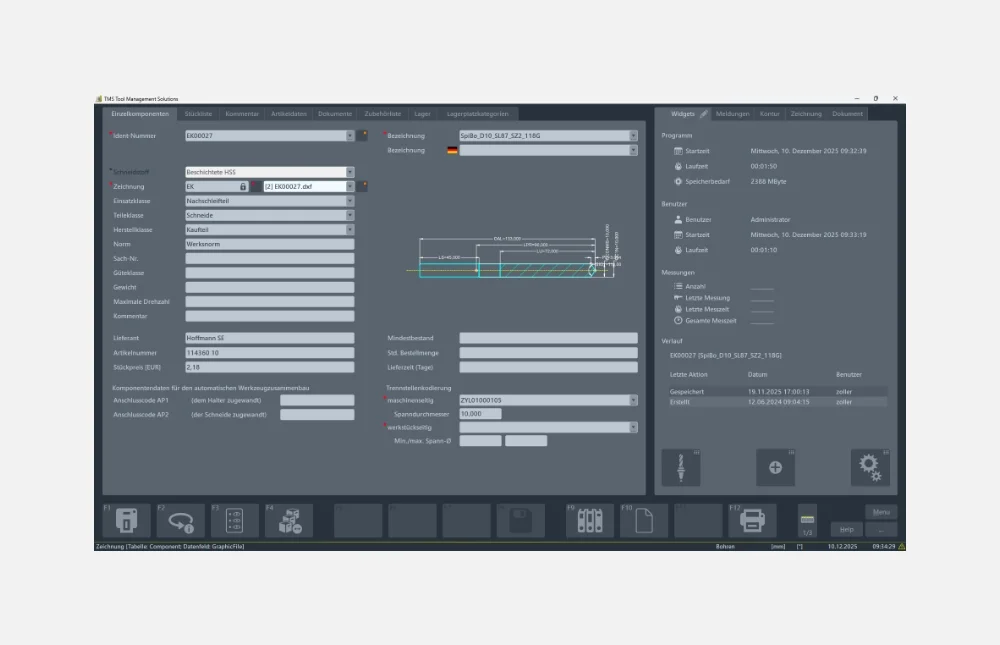
Thanks to the physical characteristic structure based on DIN 4000, 2D drawings and 3D contours can be automatically generated from the physical characteristics entered or imported into ZOLLER Tool Management. Changes to your tools (e.g., clamping length) are automatically reflected in the drawings. The 3D contours can be exported and made available to CAD/CAM and simulation systems for collision checking.

Your benefits:

  • Fast and reliable tool assembly based on the tool drawing
  • Collision checking
  • Time savings and process reliability

Automatic generation of envelope contours
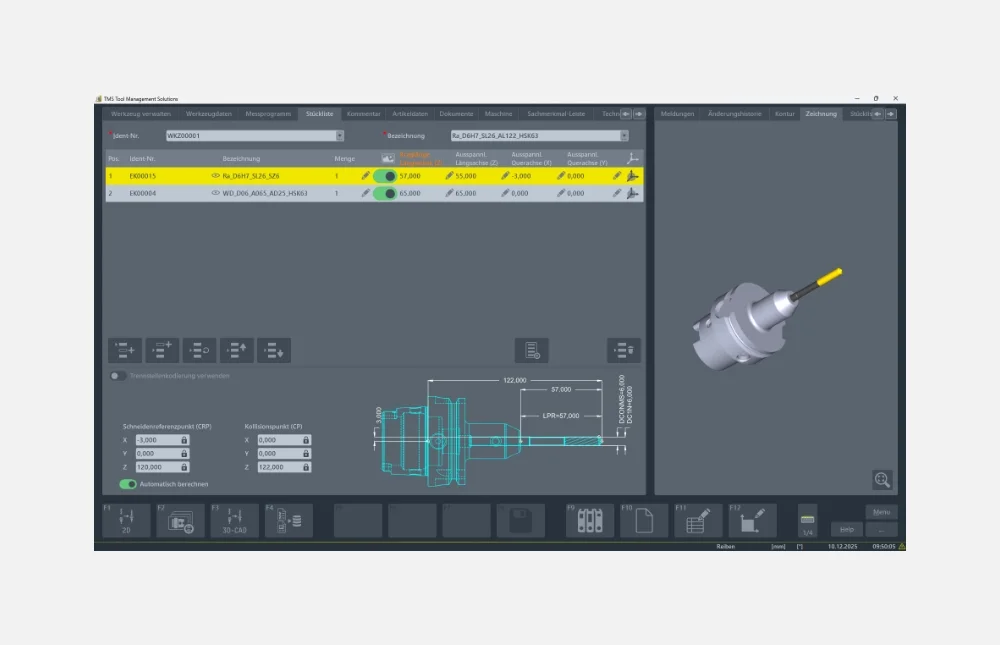
Automatically generate 2D drawings and 3D contours

Integration of a measuring device

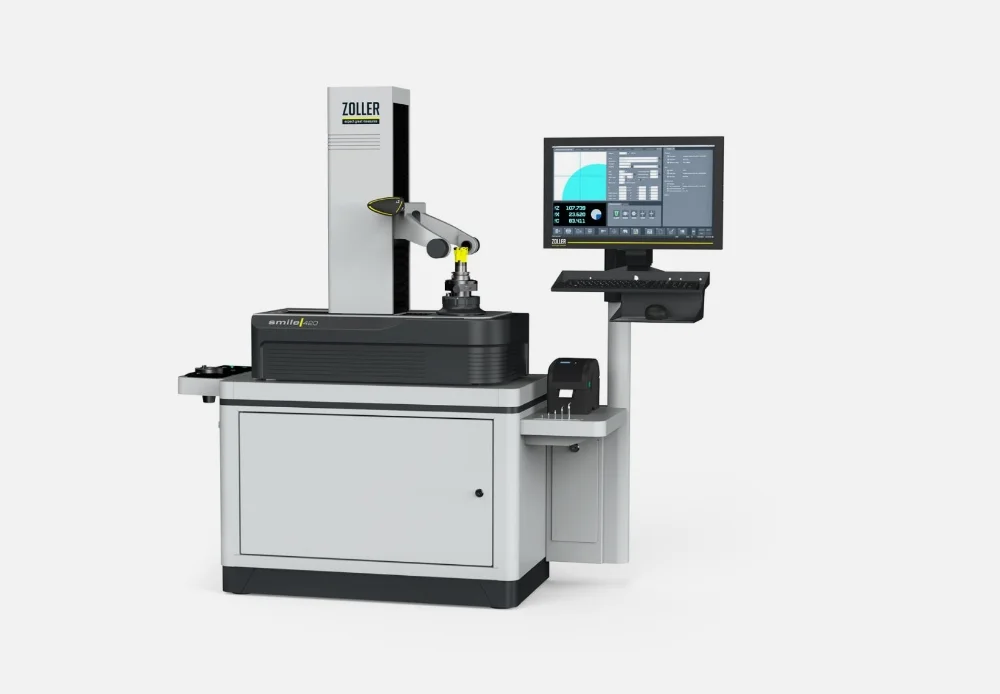
The BRONZE package includes the integration of a ZOLLER setting and measuring device. This allows you to use all the features of the TMS Tool Management Solutions software packages on your ZOLLER device as well.

Integration of the measuring device

Take full advantage of all the features of the TMS Tool Management Solutions software packages on your ZOLLER machine as well

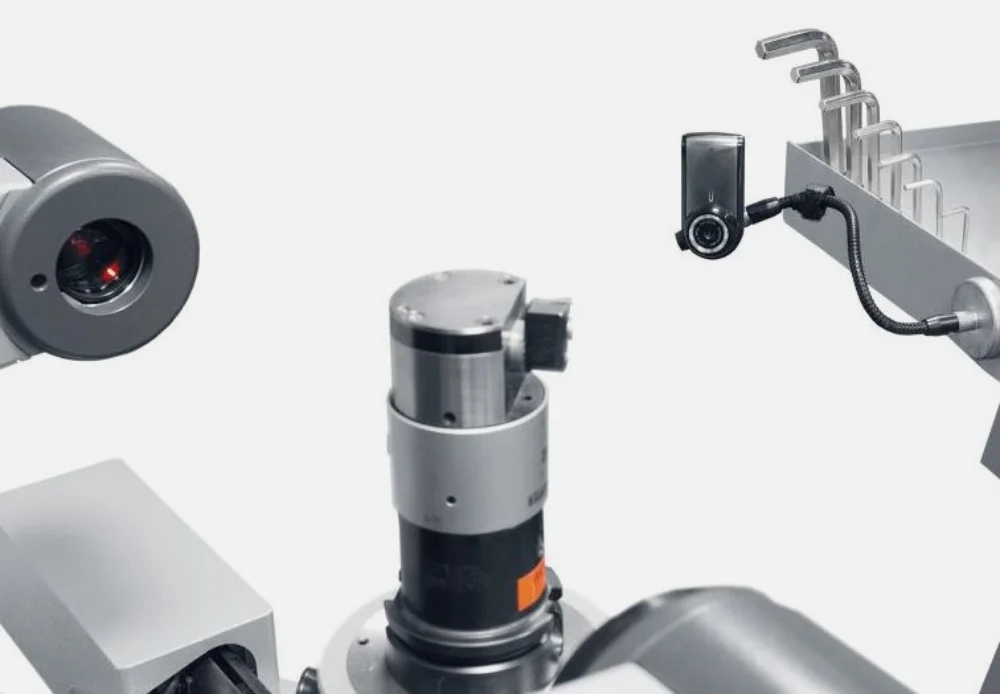
USB Camera

The ZOLLER USB camera is quick and easy to use and captures tool photos directly at the workstation with freely selectable image sections.

Your benefits:

  • Time savings through quick, easy documentation of the tool inventory
  • Visualization possible at all workstations

USB camera

Capture photos of tools right at the worksite

Cloud Import Options

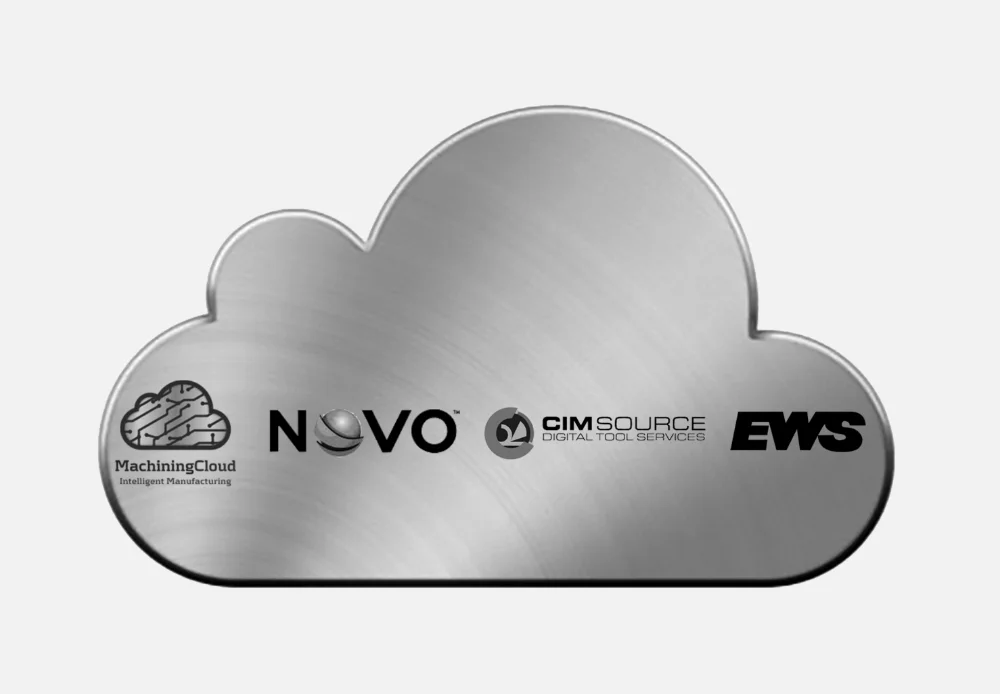
Importing your tool data into TMS Tool Management Solutions takes just one click thanks to the import option from cloud providers such as ToolsUnited, NOVO, Machining Cloud, Hoffmann, EWS, and others. Depending on which system you use, you can import not only 2D/3D graphics, material properties, and process data for individual components, but also entire assemblies.

Your benefits:

  • Importing instead of typing
  • Maximum process reliability
  • Maximum productivity

Importing data from the cloud

Import your tool data into the z.One tool database with a single click

Web Service

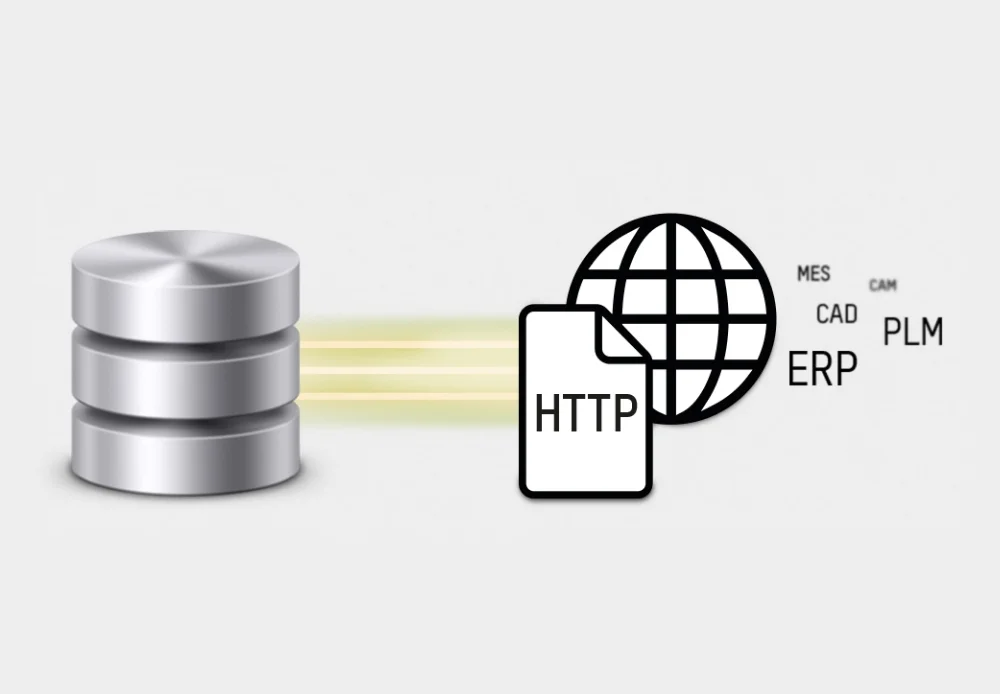
The ZOLLER WebService serves as the communication tool between the ZOLLER database and all network interfaces via HTTP!

Your benefits:

  • Increased efficiency through fast and customized access to tool data
  • Centralized tool data management—no more duplicate data storage required
  • A single master database, no redundant information, no maintenance effort

Web Service

Communicating with network interfaces using HTTP