

»zidCode«:
Your ZOLLER presetting and measuring machine requires one of the following »pilot« device software versions »pilot 4.0«, »pilot 3.0« or »pilot 2 mT« from version 1.15.0.0, or »pilot 1.0« from version 1.15.13.0 and a label printer.
»zidCode 4.0«:
Your ZOLLER presetting and measuring machine requires »pilot 4.0« device software from version 1.18.23, a network connection and a post-processor with the appropriate output format in order to transfer your tool data wirelessly to your machine tool.
»zidCode«:
USB cable for keyboard simulation or USB stick for simulation + serial (RS-232) or Ethernet for data transfer. Requirements for machines with FANUC control: CNC machine with free network connection (no network switch), FANUC control with FOCAS interface, control types: 30i / 31i / Oi-F / 32i
»zidCode 4.0«:
Your CNC machine must be network-compatible. A network and power connection must be provided on the machine for »zidCode 4.0«. Either the CNC machine must be integrated into the production network or a free network connection must be available.
»zidCode«:
We estimate approximately one hour per machine. In addition, there is one day for training and, if necessary, one day for an update of the ZOLLER presetting and measuring machine.
»zidCode 4.0«:
Approximately half a day per machine. Plus one to two days for training and, if required, one day for an update of the ZOLLER presetting and measuring machine.
»zidCode«:
If you do not want to work via a network. With »zidCode« you eliminate typing errors at the machine. The machine operators scan the code and the tool data arrives correctly in the machine control system.
»zidCode 4.0«:
If you want to/can work via a network and want to benefit from even greater efficiency in the production process. »zidCode 4.0« offers an even greater range of services in terms of networking, process optimization and increased efficiency.
»zidCode«:
Simply connect directly to the machine via USB, serial or network cable. A corresponding configuration ensures the correct function of »zidCode«.
»zidCode 4.0«:
The machine should be in the same network as the »zidCode 4.0 unit« and its ZOLLER presetting and measuring machine. A network connection for the production network on the CNC machine is required for this. If the machine is located in a shielded network, »zidCode 4.0« can also communicate with two networks using an optional extension.
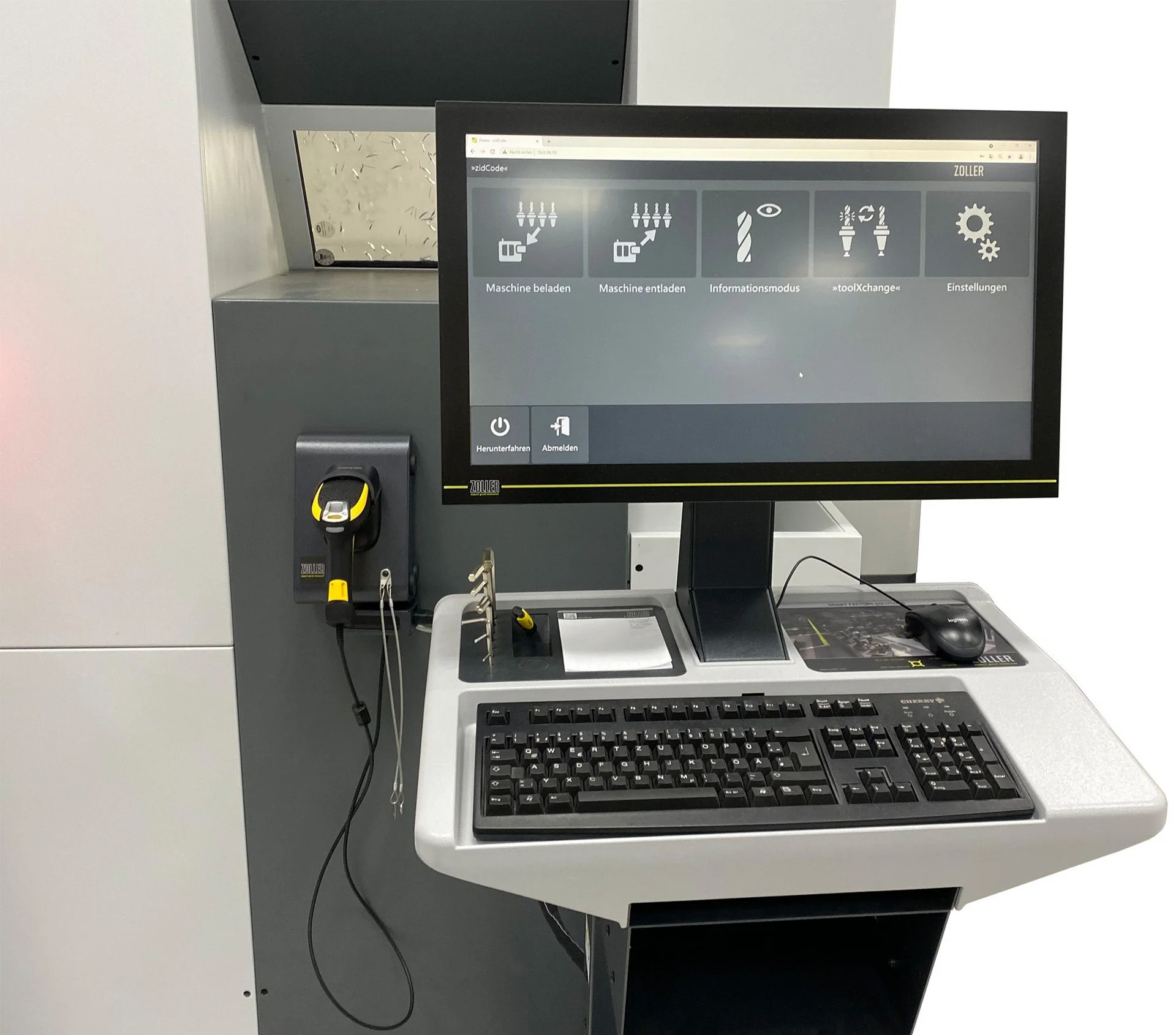
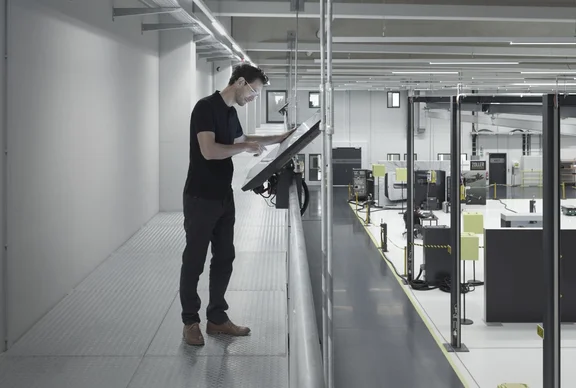
The monitor of both variants, »zidCode« and »zidCode 4.0«, is attached to your machine tool with very strong magnets. No drilling, hardly any effort and firmly attached - even during operation. »zidCode 4.0« is also available on a column as an alternative, so that it can be set up next to your machine.
»zidCode«:
None. The corresponding QR code for data transfer is printed on a label on the ZOLLER presetting and measuring machine. You can either clip these onto your tool holders with our ZOLLER tool tag holders or stick the labels directly onto the tool.
»zidCode 4.0«:
All tool holders must be marked with a unique 2D code. ZOLLER offers the reliable »idLabel« or »idChip« solutions for permanent tool marking. The code is used to identify your tool holder and the associated data is taken from the network. Alternatively, the tool holder can also be marked with a 2D code using laser marking.

Select language
Europe