Short throughput times and maximum flexibility are critical if local manufacturers want to be internationally competitive. Extensive digitization helps with both, especially when it comes to transferring data from NC programmers to machine setters and the overall organization and management of tools, devices, and measuring and testing equipment.
Christoph Zoller, Managing Director of E. ZOLLER GmbH & Co. KG in Pleidelsheim, a family and technology company for the efficient handling of cutting tools, says: "Digitally transferred data has several outstanding advantages. It is usually generated automatically and therefore error-free, it is immediately available to all parties involved, and it enables traceable corrections to be made at any time."
Set up CNC machines with process reliability
Traditionally, a collection (folder) of forms and data on paper has been handed out and passed manually from NC programmers to machine setters. But transferring data digitally has become a faster and more reliable option. This applies to the NC programs, information on required tools, and materials and dimensions of blanks.
How does it work?
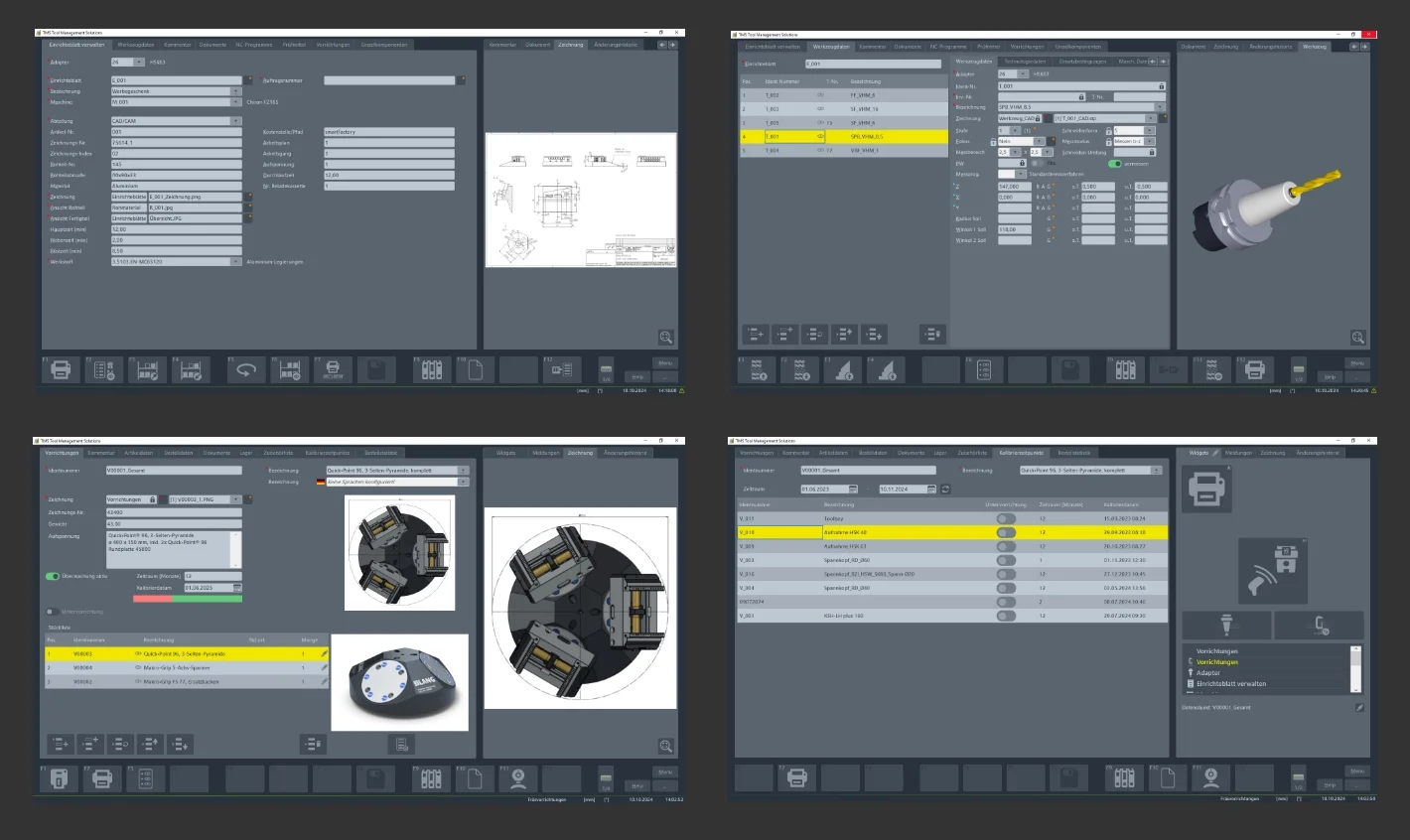
In order to digitize and optimize this process, ZOLLER has integrated the Manage Setup Sheet module into its TMS Tool Management Solutions software. The contents of the digital setup sheet can be flexibly adapted to specific requirements. And thanks to interfaces to 30 different CAD/CAM systems, the setup sheets are largely created automatically during CAD/CAM programming. NC programmers simply select the CNC machine to be used.
The digital setup sheets contain NC programs and the data required by the machine setter for tools, devices, and blanks. As an option, commercial data on main, auxiliary, and set-up times can be added.
As Robin Bender, Project Manager for the TMS Tool Management Solutions software at ZOLLER, explains, additional information can also be easily integrated into the digital setup sheets. "This includes, for example, comments, drawings, photos and 3D models of fixtures and clamping situations, but also videos of complete processes, such as the setup of clamping fixtures and clamping of blanks," he explains.
With this detailed information and instructions, the digital set-up sheets avoid time-consuming queries and tedious searches for the necessary equipment and auxiliary tools, ensuring greater process reliability.
Additionally, depending on the expansion level and installation of the entire software, information on clamping fixtures and tools can be called up at the touch of a button. This means that additional information is available to the personnel involved as needed, including the assembly and testing of clamping fixtures and the assembly, adjustment, and measurement of complete tools.




 Back to overview
