

ZOLLER-TMS Virtual Gibbs (GibbsCAM) interface
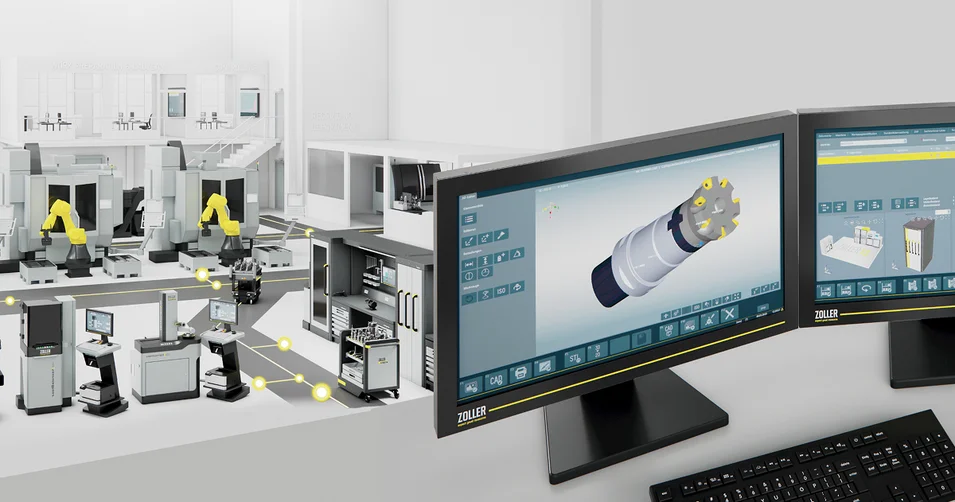
Create your existing cutting tools in the ZOLLER tool database »z.One« once, in a centralized manner. Using the ZOLLER interface to the VirtualGibbs/GibbsCAM CAM system, it is possible to use these tools there simply and quickly.
It’s just as easy to send the list of required tools (setup sheet) back from the CAM system to ZOLLER TMS Tool Management Solutions. This ensures that the correct tools are used exclusively in your production process.
Bidirectional Data Exchange
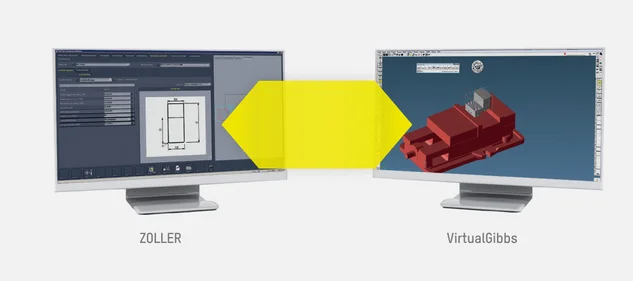
data transfer
Data Transfer Between ZOLLER and Virtual Gibbs
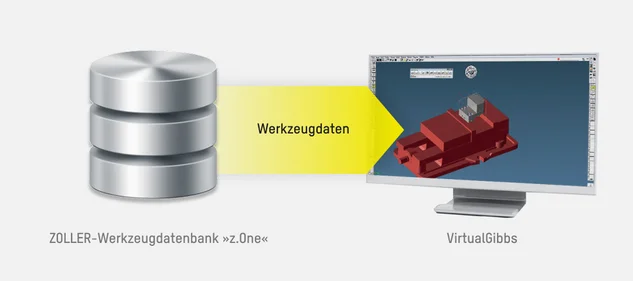
tool data
The tool data (article characteristics) from the ZOLLER tool database »z.One« are made available to the CAM system
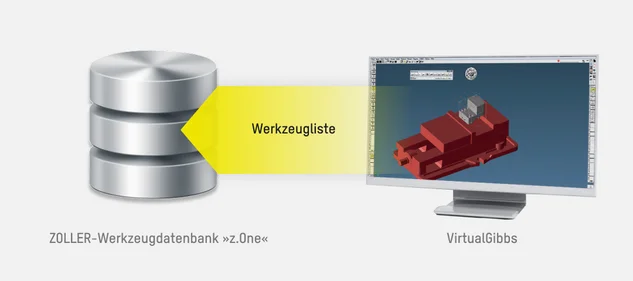
Tool List
The tool list (setup sheet) is transferred from the CAM system to the ZOLLER tool database »z.One«
Technical Specifications
| Storage Location | Project |
| Creation of Article Characteristics | Complete tools with individual components |
| Milling Tool Support | Yes |
| Turning Tool Support | Yes |
| Writing Back Setup Sheets | Yes |
| Transmission of Technology Data | Yes |
| Filter Options | Machine, Setup Sheet, Tool |
| Contour Transfer to CAM | Holder (cutting edge possible for certain tool types) |
| 3D Data to CAM | No |
| Attribute Languages | DE / EN |

Select language
Europe